thankQ Help
When you are happy all the correct information is appearing in the NEW DETAILS section of the form, you can accept the Web Contact. Any fields that are still marked with a  will REPLACE the information that is currently held in this field in thankQ.
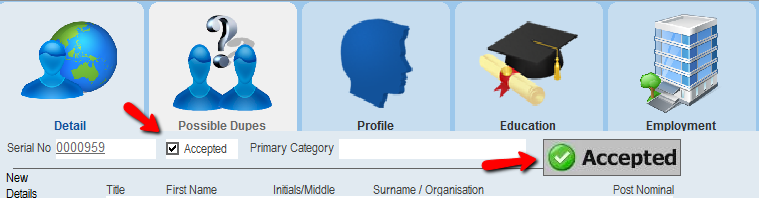
1.Once you are happy that the information in the New Detail section of the form is correct, click the Accept button.
 |
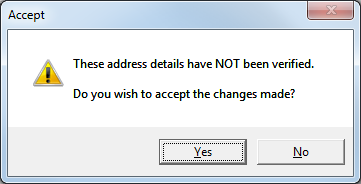
2.If you do not have postcode lookup software installed, the following dialog box will appear. Click Yes.
 |
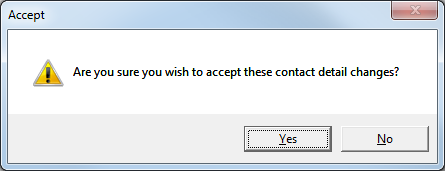
3.A confirmation dialog box will appear. Click Yes.
 |
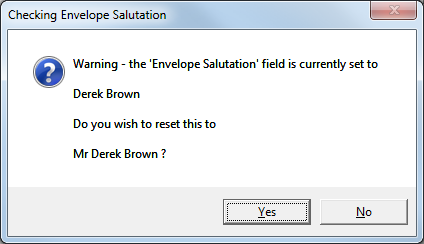
4.You may get prompts to update Envelope or Letter Salutations. Click Yes to change the salutation or No to retain the existing salutation.
 |
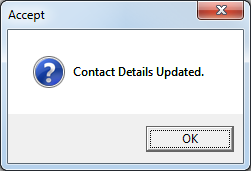
5.A final confirmation dialog box will appear to confirm that the existing contact record has been updated.
 |
6.The web contact will then be marked as Accepted.
 |