thankQ Help
Just like the registration page you will need to setup a confirmation page as follows:
1. Select your company code and select the three little dots on the right and then select Confirmation Page Settings:

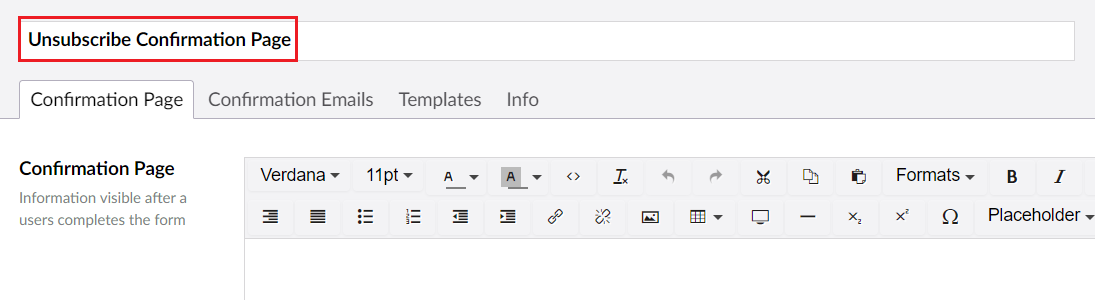
2. Make sure you give the page you just created a name:
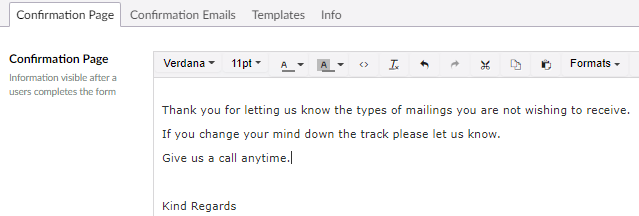
| 3. | Edit the confirmation page text: |
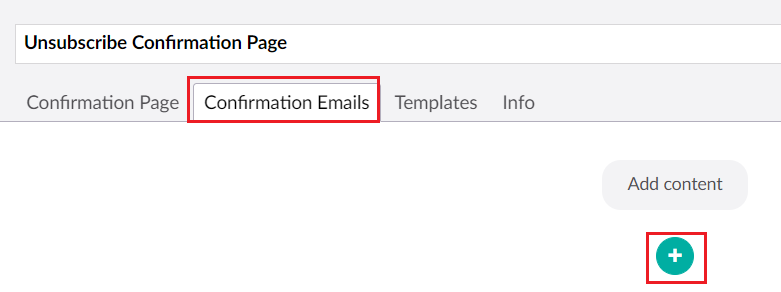
| 4. | Click on the Confirmation Emails tab and select the + icon to add the email content: |
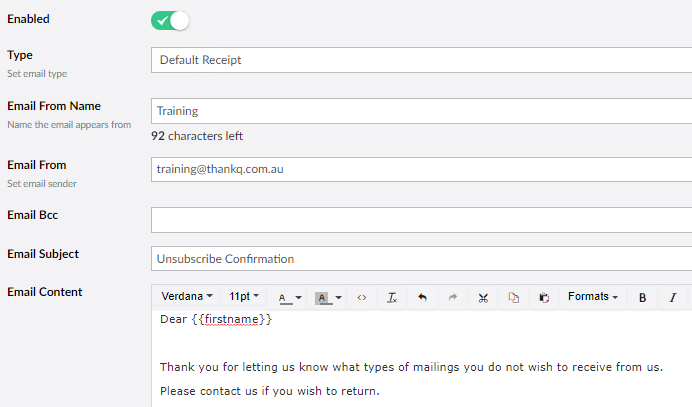
| 5. | Fill in the email details including setting the Type as Default Receipt and then filling in the other Email Information: |
| 6. | When you have finished, make sure that you select the Save and publish button. |