thankQ Help
To locate a specific event, type in all or part of the Event Id in the Quick Search on the tool bar and click Go
 or
or 
To locate all events, leave the quick search blank and click Go

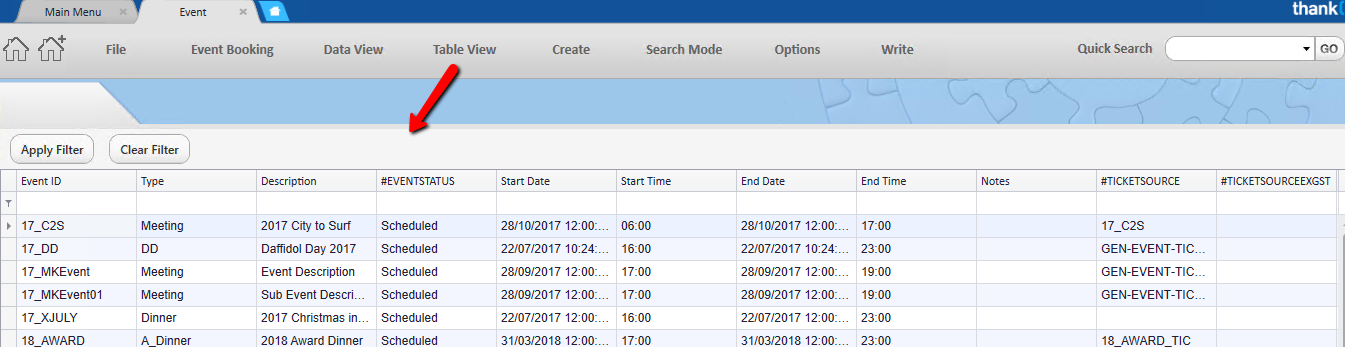
These can be viewed by clicking on the Table View tab. Enter the search in the row below the headers and click Apply Filter
Or
The arrows on the record selector at the bottom of the form can be used to scroll through the events