thankQ Help
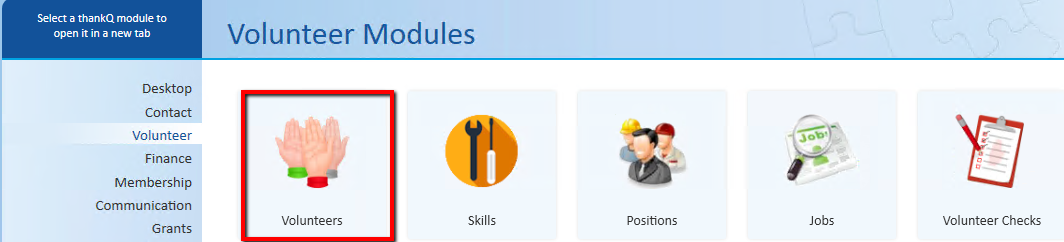
1.Click Volunteers under the Volunteer Modules
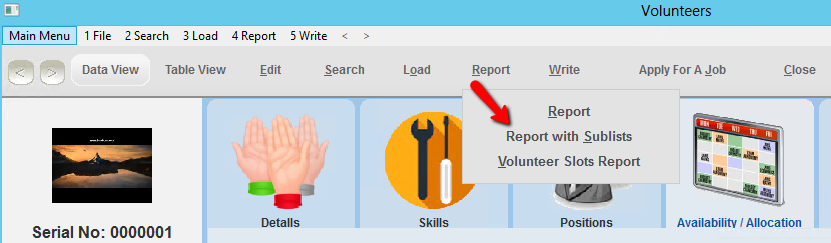
2.Click Report on the Tool Bar
3.Select Report with Sublists
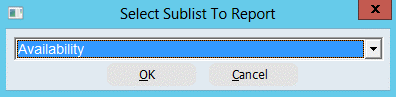
4.Select Availability from the drop down, click OK
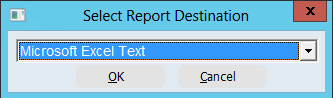
5.Select Microsoft Excel Text from the drop down, click OK
This will open the Field List where you can select the fields to include into the report
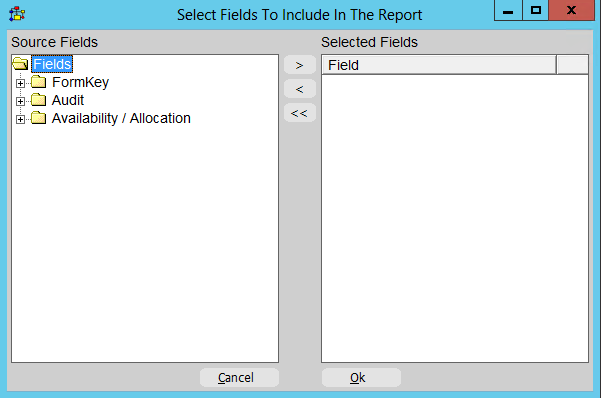
6.Click on the + beside the FormKey folder
7.Double click on the fields required from this folder to move them over to the right window
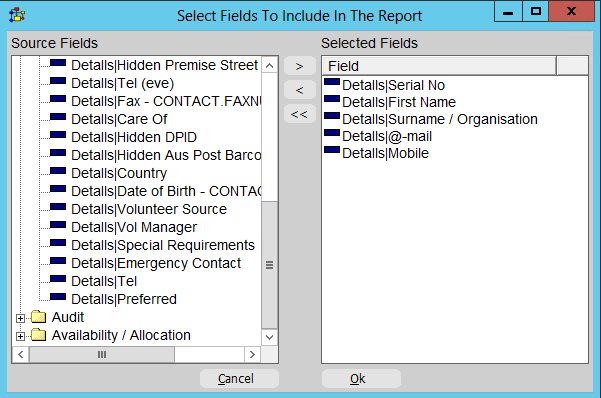
8.Click on the + beside the Availability / Allocation folder
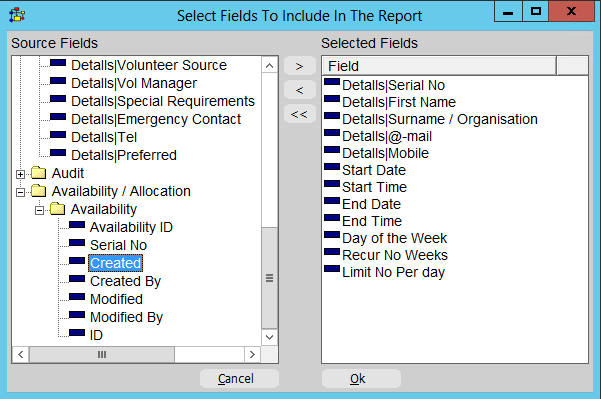
9.Click on the + beside the Availability folder
10.Double click on the fields required from this folder
11.Click OK
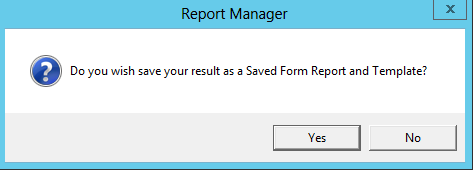
12.Click Yes to save the report as a Saved Form Report Template
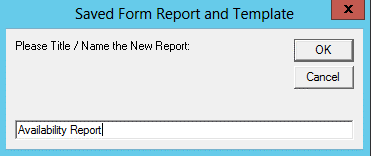
13.Enter a Name for the report, click OK
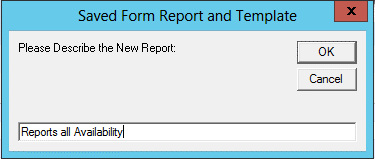
14.Enter a Description for the report, click OK
15.Click OK