thankQ Help
1.Click Report | Report with Sublists on the Tool Bar

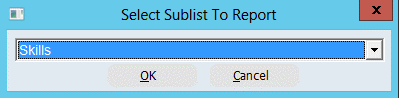
2.Select Skills from the drop down, click OK
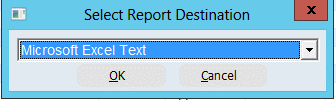
3.Select Microsoft Excel Text from the drop down, click OK
4.Click the + beside the FormKey folder
5.Double click on the required fields
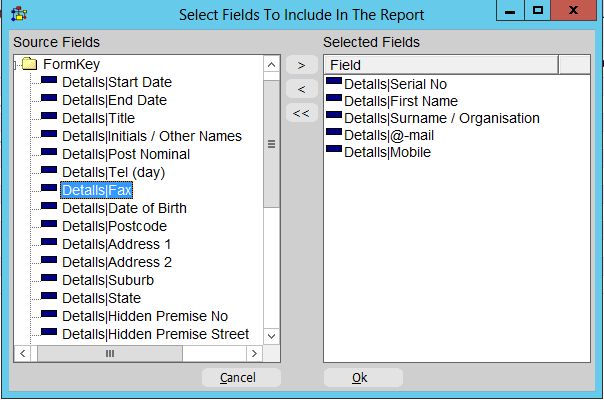
6.Click on the + beside the Skills folder
7.Click on the next + beside the Skills folder
8.Double click on the fields required
9.Click OK

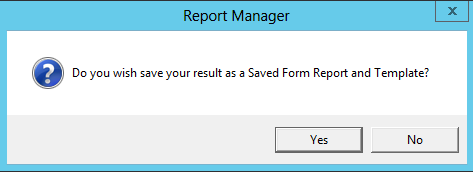
10.Click Yes to save the search and report
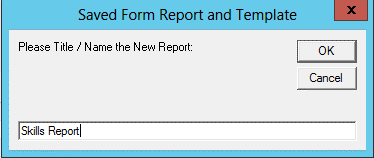
11.Enter a Name for the report, click OK
12.Enter a Description, click OK

13.Click OK